
Guides
How to Install and Activate SQL Server – Complete Setup Guide
Installing and activating SQL Server is essential for managing databases efficiently. This guide walks you through the complete setup, from installation to activation, ensuring a smooth experience. Whether you’re a beginner or an experienced user, follow these steps to get SQL Server up and running quickly.
1. Download and Install SQL Server
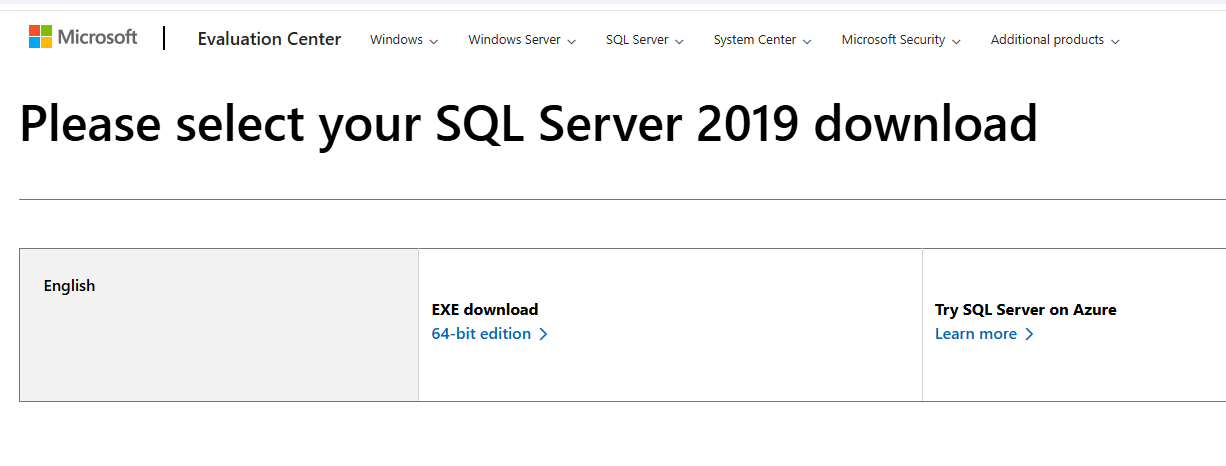
Go to the official Microsoft SQL Server website and download the installation package.
- Open the setup file and select “New SQL Server Standalone Installation.”
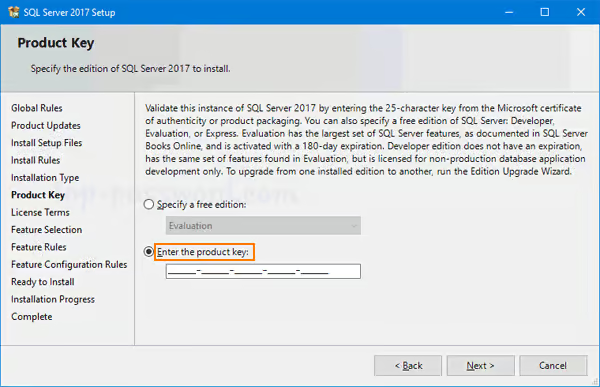
- Choose an edition:
- Select Evaluation for a trial version.
- Enter a valid product key for a licensed version.
- Accept the license terms and follow the installation prompts.
- Select the necessary components (e.g., Database Engine, Analysis Services, Reporting Services).
- Choose an authentication mode (Windows Authentication or Mixed Mode).
- Complete the installation and restart your system if required.
2. Install SQL Server Management Studio (SSMS) – Optional
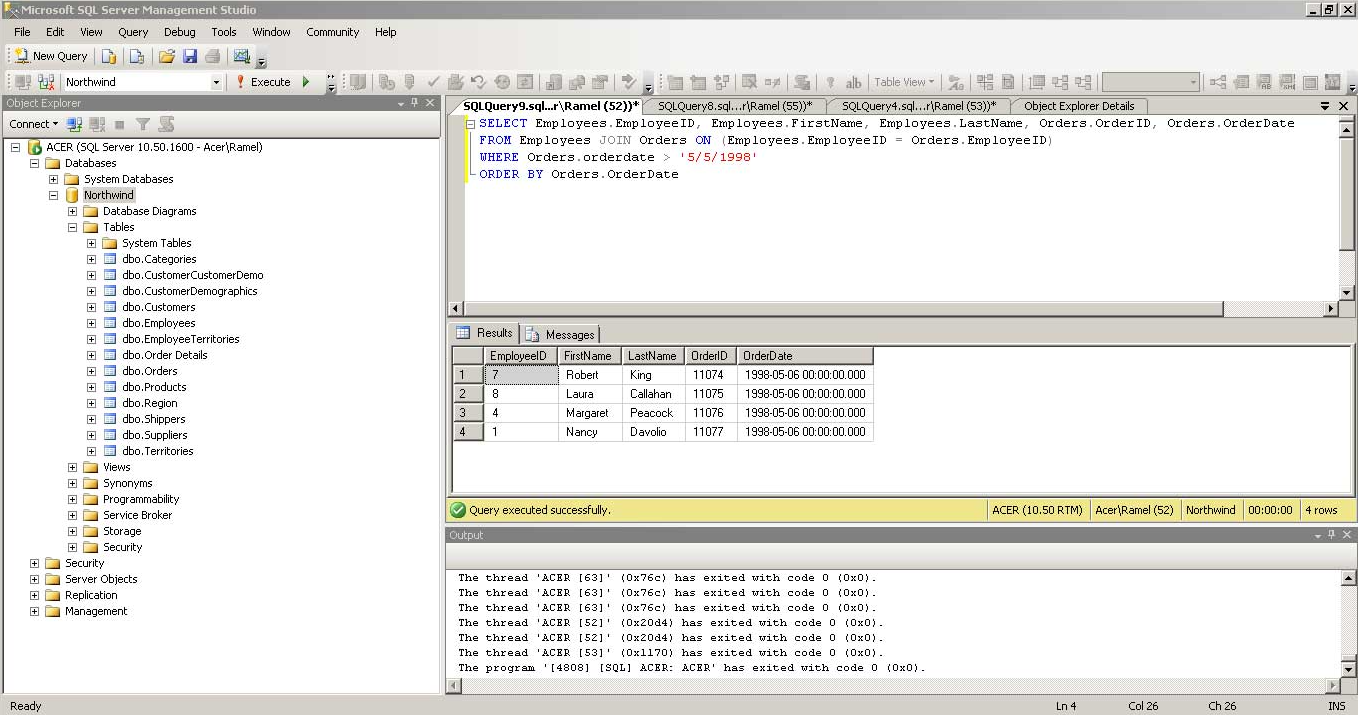
For easier database management, it’s recommended to install SQL Server Management Studio (SSMS).
- Download SSMS from Microsoft’s website.
- Run the installer and follow the setup instructions.
- Launch SSMS and connect to your SQL Server instance.
3. Activate SQL Server
Once installed, follow these steps to activate your SQL Server:
- Open SQL Server Installation Center from the Start menu.
- Click “Edition Upgrade” if you need to enter a product key.
- Enter your valid SQL Server license key and click Next.
- Complete the activation steps and finalize the process.
- Restart SQL Server services to apply the changes.
By following these steps, your SQL Server will be successfully installed, configured, and activated.
Need Help?
If you experience any installation or activation issues, our support team is available 24/7. Get fast assistance via live chat at https://windowskeys.uk/ or email us at [email protected].
Get Your SQL Server Key
Buy a genuine SQL Server 2019 Standard key – delivered instantly by email. Running it on Windows Server? See all our Windows Server keys.