
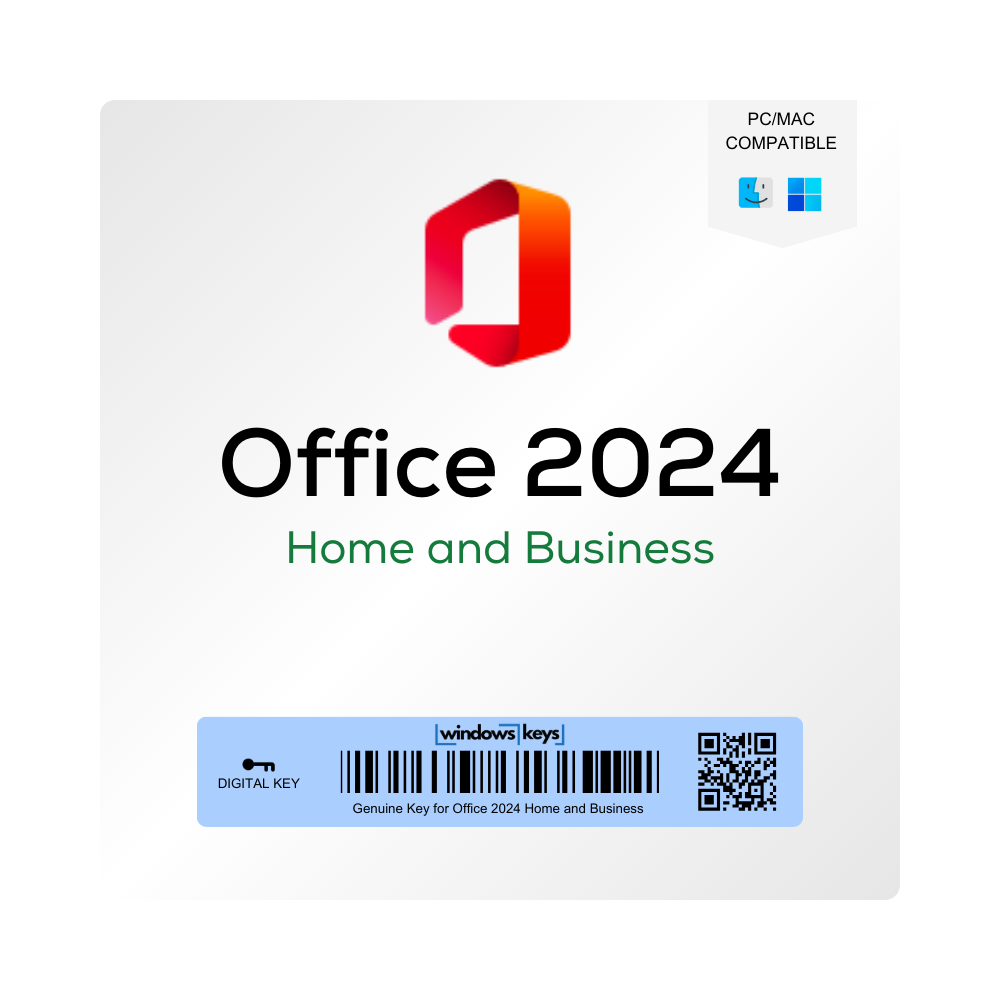
Office 2024 Home and Business PC/MAC Key
Original price was: £299.99.£195.00Current price is: £195.00.
Buy a genuine Office 2024 Home and Business key for PC or Mac – Word, Excel, PowerPoint and Outlook for home offices and small businesses, with no subscription.
- Genuine one-time purchase for 1 PC or Mac
- Instant delivery by email
- 24/7 activation support

Out of stock
Description
Buy a Cheap Office 2024 Home and Business Key – PC or Mac
Buy Office 2024 Home and Business PC/MAC Key and equip yourself with Microsoft’s latest productivity suite across both Windows and macOS platforms. Designed for home users and small businesses alike, Office 2024 Home and Business offers essential apps – Word, Excel, PowerPoint, Outlook, and more – featuring improved collaboration tools and a streamlined interface. With a single purchase, you can enjoy enhanced functionality on your preferred operating system without multiple licenses or subscriptions.
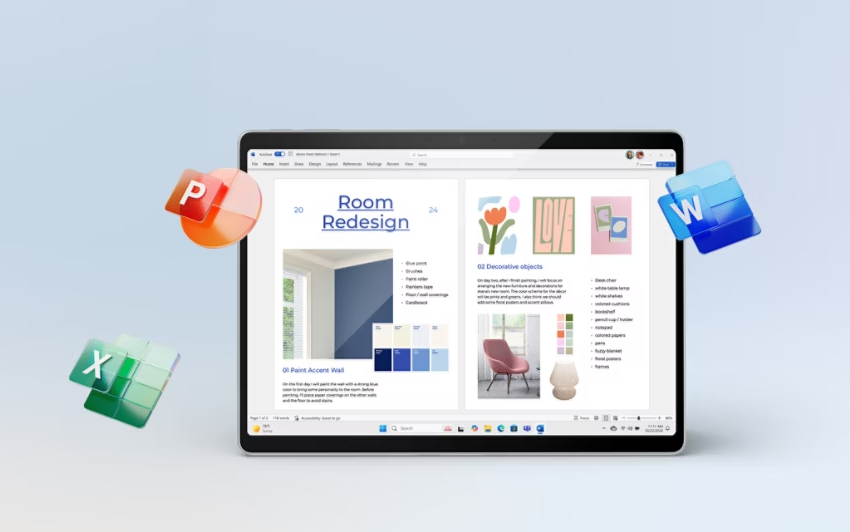
Product Features and Improvements
-
Cross-Platform Compatibility
- Install and activate Office 2024 on either Windows PCs or Macs, ensuring your favorite apps are accessible on your chosen OS.
-
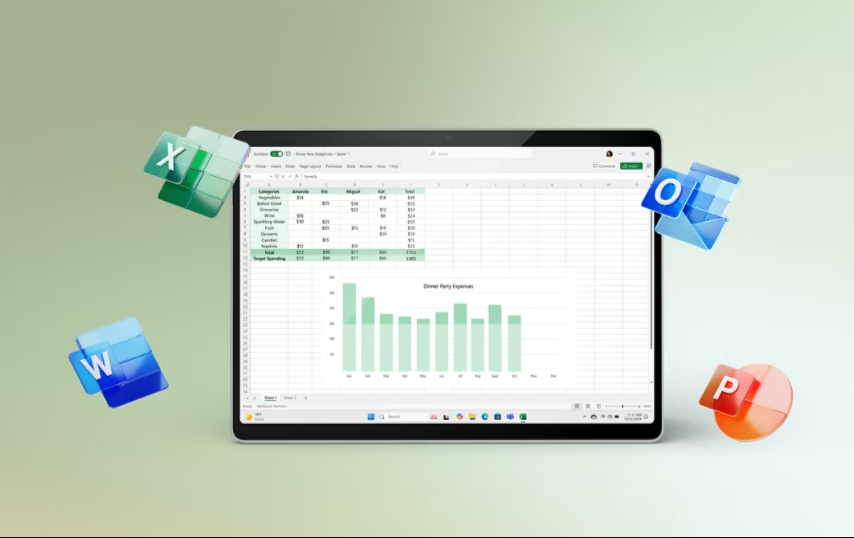
Core Productivity Apps
- Includes Word, Excel, PowerPoint, and Outlook (edition-specific), featuring intuitive designs for faster workflows.
-
Effortless Collaboration
- Real-time co-authoring and document sharing via OneDrive or SharePoint keeps everyone on the same page, whether at home or in a small business environment.
-
Smarter Editing Tools
- Benefit from the built-in Editor, new Excel functions and refreshed PowerPoint tools, helping you create polished content efficiently.
-
One-Time Purchase
- Avoid monthly or yearly subscriptions with this perpetual license – pay once and own the suite indefinitely.
With Office 2024 Home and Business, you’ll maintain a unified user experience and powerful tools, ensuring personal tasks and professional projects are handled with ease on both Windows and macOS.
System Requirements
Below are the recommended specifications for Office 2024 Home and Business across Windows and macOS. Always verify Microsoft’s official documentation for final details and compatibility.
| Platform | Minimum Requirement |
|---|---|
| Windows | Windows 10 or newer (64-bit recommended), 1.6 GHz CPU, 4 GB RAM, 4 GB HDD space |
| macOS | macOS 10.14 (Mojave) or later, Intel or Apple Silicon CPU, 4 GB RAM, 10 GB HDD space |
| Display | 1024×768 resolution or higher on both platforms |
| Connectivity | Internet needed for initial activation, updates, and collaborative features |
Need more apps, such as Access? Choose Office 2024 Professional Plus. For home use only, Office 2024 Home is the cheaper option. See all Office 2024 keys.
Office 2024 Home and Business Key – FAQs
-
Which apps are included in Office 2024 Home and Business?
Generally, Word, Excel, PowerPoint, and Outlook are included. -
Does this key cover both PC and Mac usage?
Yes. This single license is valid for use on Windows or macOS, but typically for one device at a time. Check terms for multi-activation rights. -
Is this a subscription or a perpetual license?
This is a perpetual license. Pay once, own Office 2024 Home and Business indefinitely – no recurring fees. -
Does Office 2024 Home and Business include Copilot AI?
No. Copilot is part of Microsoft 365 subscriptions. Office 2024 Home and Business is a one-time purchase with the classic desktop apps. -
Can I co-author documents in real time?
Absolutely. When files are stored on OneDrive or SharePoint, multiple users can edit simultaneously. -
Does it include Microsoft Teams?
Typically, Office 2024 Home and Business focuses on Word, Excel, PowerPoint, and Outlook. Teams for personal or small business may be downloadable separately. -
What if I upgrade from an older version, like Office 2016 or 2019?
You can uninstall the older version and install Office 2024 with your new key. Your documents will remain compatible. -
Will older macros and templates still work?
In most cases, yes. However, some new template formats might not be backward-compatible with older macros. -
Does Outlook support Exchange servers and IMAP/POP email?
Yes, Outlook 2024 supports Exchange, IMAP, and POP email configurations, suitable for personal or small business setups. -
Is technical support available?
You’ll receive standard support from Windows Keys, as per our policy, for installation and activation queries. We are available 24/7!
How to Activate Your Office 2024 Home and Business Key
- Complete your order – your Office 2024 Home and Business key arrives by email straight away.
- Go to setup.office.com, sign in with your Microsoft account and enter your key.
- Download and install Office on your PC or Mac, then open Word to finish activation.
Installation Guide
For a detailed walkthrough on downloading, installing, and activating your Office 2024 Home and Business PC/MAC Key, please refer to our INSTALLATION GUIDE. This guide ensures you can quickly set up your Office suite and start working without any hassles.
Reviews (0)
Be the first to review “Office 2024 Home and Business PC/MAC Key”
Related products


Office
Reviews
There are no reviews yet.