
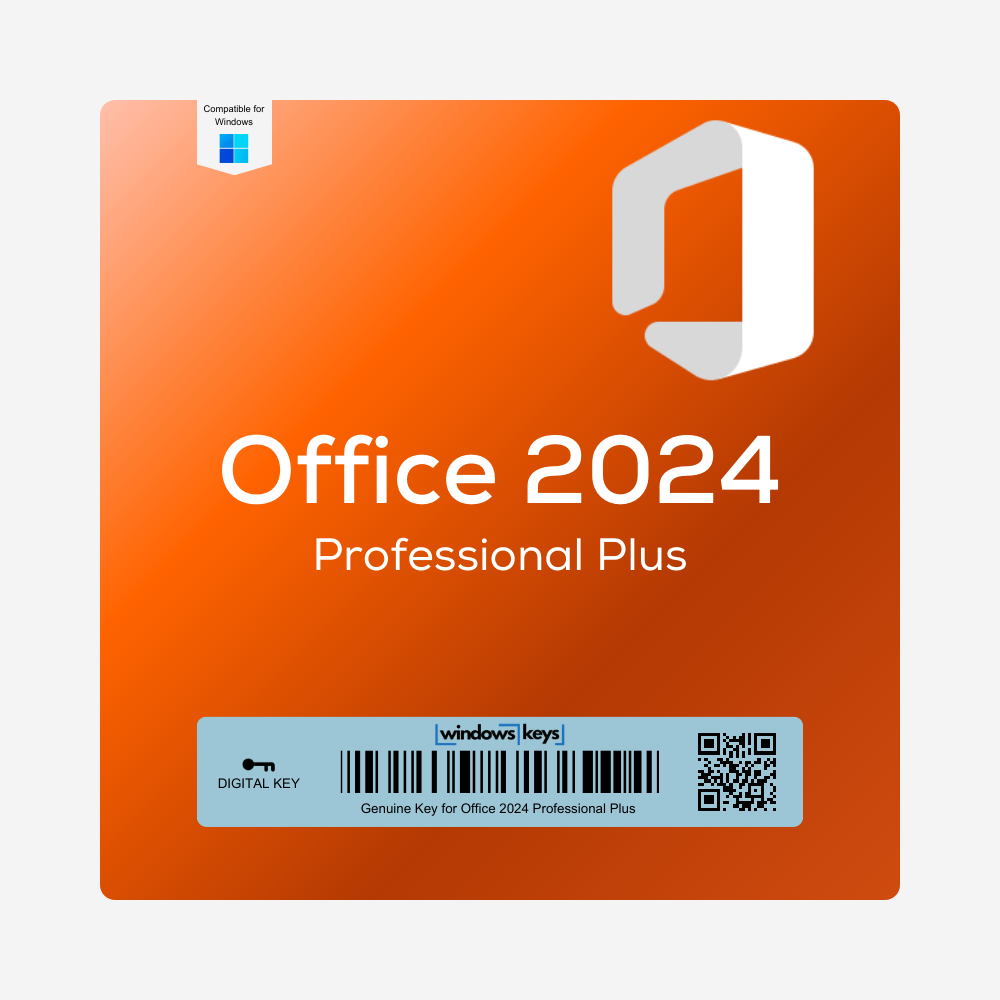
Office 2024 Professional Plus Key LTSC
Original price was: £175.00.£19.99Current price is: £19.99.
Buy a genuine Office 2024 Professional Plus key – the latest one-time-purchase version of Microsoft Office, with Word, Excel, PowerPoint, Outlook, OneNote and Access.
- Genuine lifetime license for 1 PC – no subscription
- Instant delivery by email
- For Windows 10 and Windows 11
- 24/7 activation support

Description
Buy a Cheap Office 2024 Professional Plus Key – Genuine LTSC License
Secure your perpetual license for Office 2024 Professional Plus and gain access to Microsoft’s latest suite of advanced productivity tools. Featuring upgraded Word, Excel, PowerPoint, Outlook, OneNote and Access, Office 2024 Professional Plus is designed to streamline collaboration, speed up everyday tasks and strengthen data analysis – perfect for both professional and personal workflows.
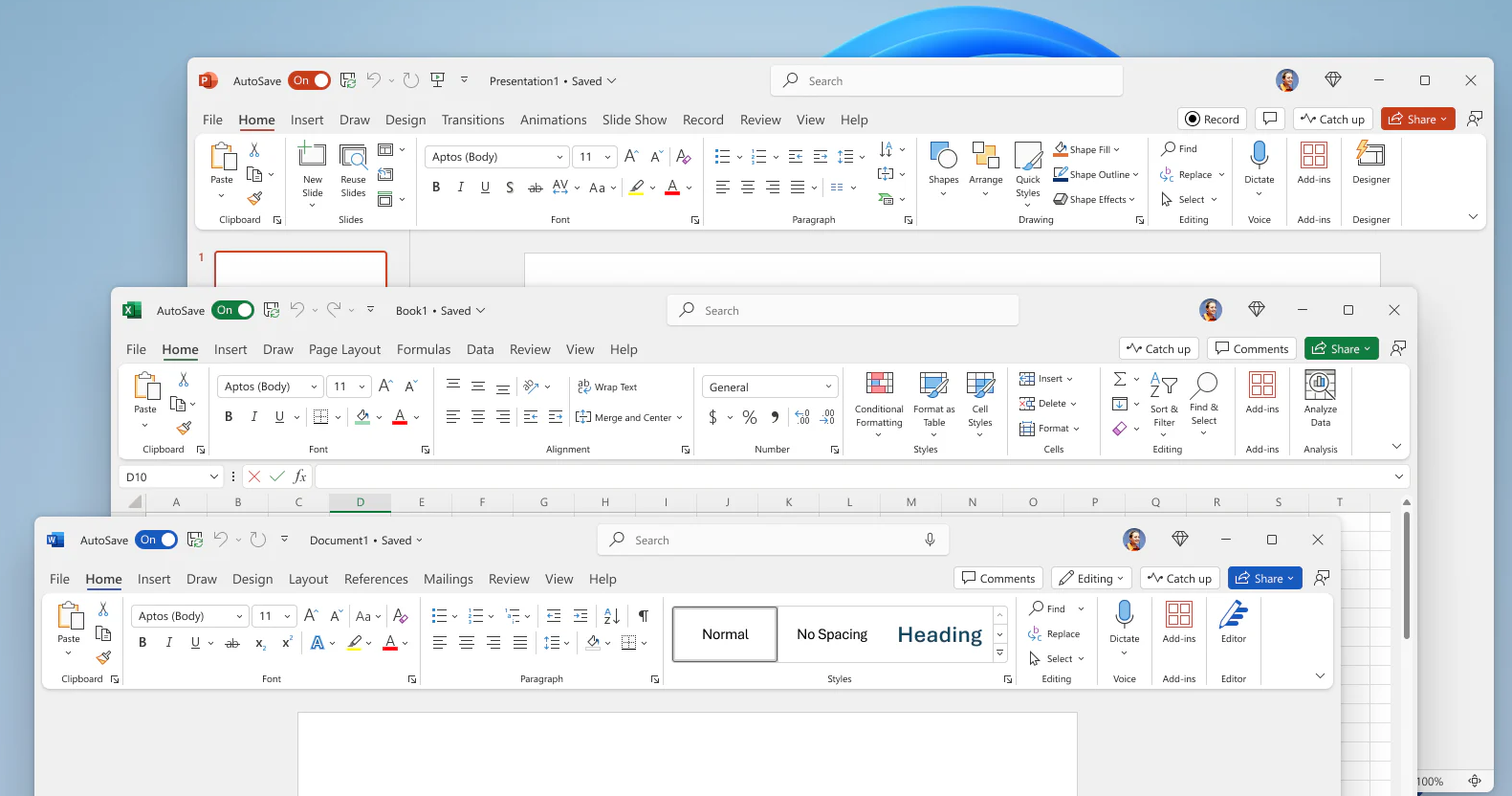
Product Features and Improvements
-
Modern Excel Functions
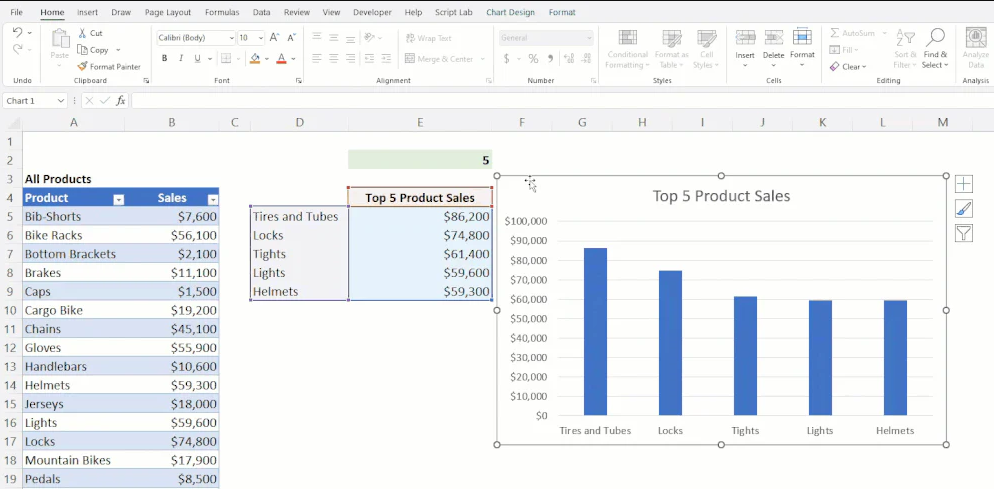
- Work faster with the latest Excel functions such as XLOOKUP, dynamic arrays, TEXTSPLIT and VSTACK, plus improved performance across Word, Excel and PowerPoint.
-
Collaboration Upgrades
- Real-time co-authoring and improved version history, ensuring seamless teamwork and document consistency when linked with OneDrive or SharePoint.
-
Advanced Data Management
- Benefit from refined analytics in Excel, with enhanced pivot tables, charting capabilities, and new data types for streamlined reporting.
-
Professional Email & Organization
- Outlook 2024 integrates next-generation spam filtering, calendar sharing, and advanced sorting features to keep your communications on track.
-
One-Time Purchase
- Obtain a perpetual license – no monthly or yearly subscription fees required, giving you long-term peace of mind and cost savings.
Through these improvements, Office 2024 Professional Plus delivers top-tier productivity, embracing modern collaboration features to boost efficiency across all your projects.
Office 2024 vs Office 2021 vs Office 2019
Office 2024 Professional Plus is the newest one-time-purchase version of Office and the best choice if you want the latest features and the longest support. On a budget? Office 2021 Professional Plus and our best-selling Office 2019 Professional Plus are cheaper alternatives. For home use, Office 2024 Home covers Word, Excel and PowerPoint. See all Office 2024 keys.
System Requirements
Below is a consolidated overview of the recommended system specifications for Office 2024 Professional Plus. Always refer to Microsoft’s official documentation for final details and OS compatibility:
| Component | Minimum/Recommended Requirement |
|---|---|
| Processor | 1.6 GHz or faster, 2 or more cores (x86/x64) with SSE2 |
| Operating System | Windows 10 or newer. |
| Memory (RAM) | 4 GB or more recommended (2 GB minimum for 32-bit) |
| Hard Disk Space | At least 4 GB of free space |
| Display | 1024×768 resolution or higher |
| Internet Connectivity | Required for activation, updates and online features |
Office 2024 Professional Plus Key – FAQs
-
Is this key an authentic Microsoft license?
Yes. Purchasing this Office 2024 Professional Plus Key guarantees genuine activation, unlocking all Professional Plus features. -
Which apps are included in Office 2024 Professional Plus?
Word, Excel, PowerPoint, Outlook, OneNote and Access. Microsoft Publisher is not included in Office 2024. -
Is this a subscription or a one-time purchase?
It’s a one-off, perpetual license – no monthly or annual subscription fees required. -
Does Office 2024 include Copilot?
No. Copilot AI features are part of Microsoft 365 subscriptions. Office 2024 is a one-time purchase and works fully offline after activation. -
Is it backward compatible with older OS versions (e.g., Windows 7)?
Officially, Office 2024 typically supports Windows 10 or newer. Older systems may not meet all feature requirements. -
Can I co-author documents in real time?
Yes. Store files on OneDrive or SharePoint for real-time editing and improved version history tracking. -
Does Outlook 2024 integrate with Microsoft 365 services?
Absolutely. Outlook 2024 syncs with Exchange, OneDrive, and Teams for smooth email, calendaring, and collaboration. -
Do I receive updates after activation?
Yes, you’ll get security and performance updates throughout Office 2024’s support lifecycle. -
Will macros or old templates still work?
Generally, older macros and templates remain compatible, though some modifications might be required for advanced features. -
What if I want to upgrade from Office 2019/2021 to Office 2024?
You would need a separate key for Office 2024. However, you can uninstall the older version and install Office 2024 with your new key.
How to Activate Your Office 2024 Professional Plus Key
- Complete your order – your Office 2024 Professional Plus key arrives by email straight away.
- Download Office 2024 Professional Plus from Microsoft – see our official Office ISO downloads.
- Install Office, open Word or Excel and enter your 25-character key when prompted.
- Choose Activate online – Office activates in a few seconds.
Installation Guide
For a detailed walkthrough on downloading, installing, and activating your Office 2024 Professional Plus Key, please refer to our INSTALLATION GUIDE. This guide ensures you can quickly set up your Office suite and start working without any hassles.
Reviews (0)
Be the first to review “Office 2024 Professional Plus Key LTSC”
Related products

Reviews
There are no reviews yet.