
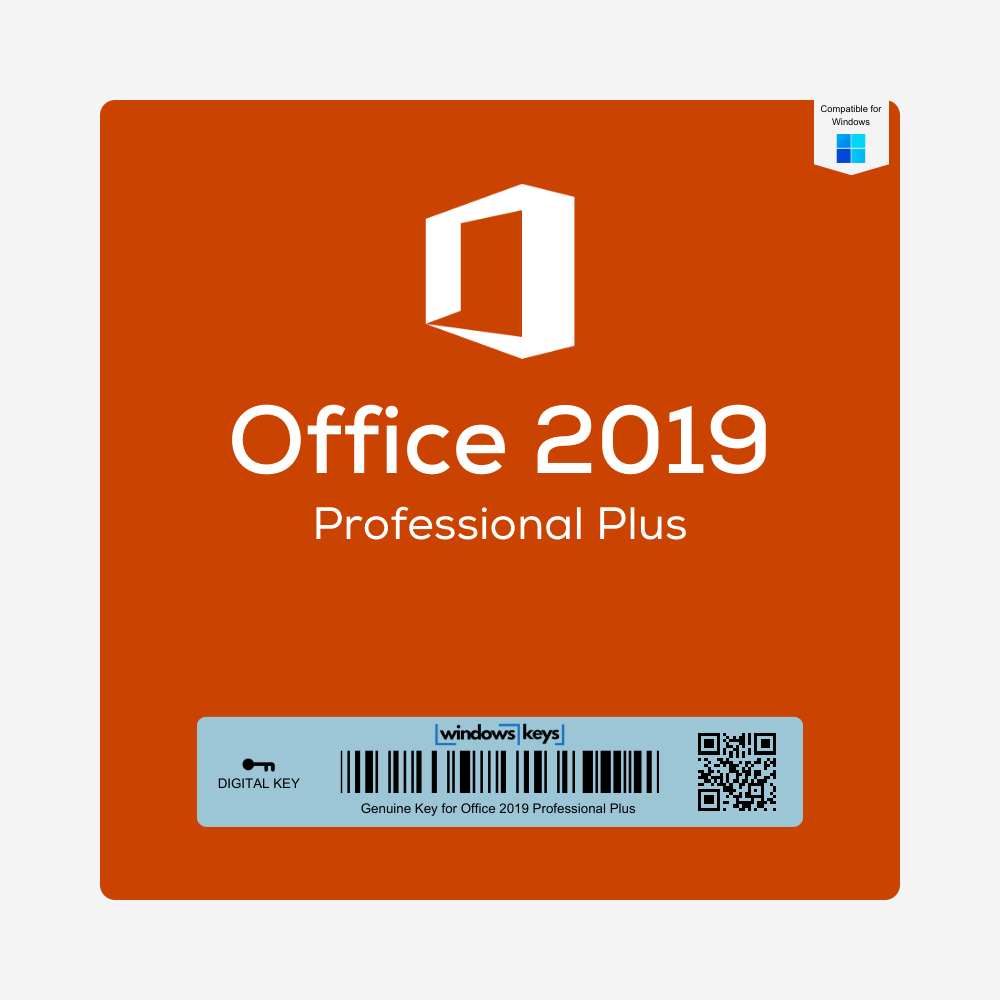
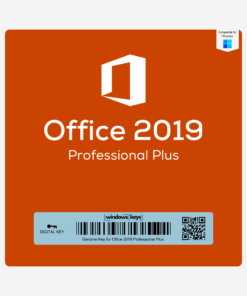

Office 2019 Professional Plus Key
Original price was: £85.00.£5.99Current price is: £5.99.
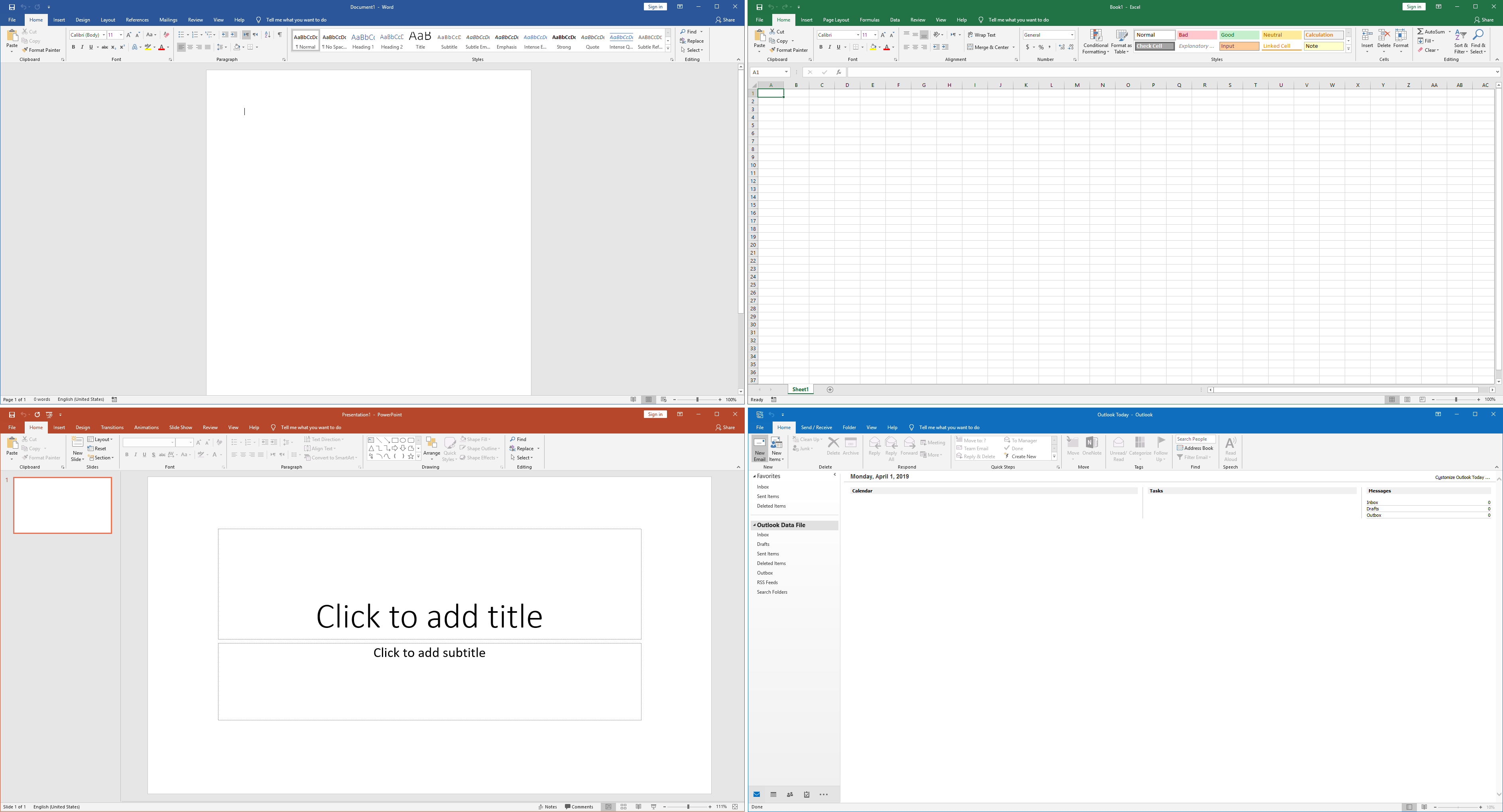
Buy a genuine Office 2019 Professional Plus key – our best-selling Office license, with Word, Excel, PowerPoint, Outlook, Access and Publisher for one PC.
- Genuine lifetime license – one-time payment
- Instant delivery by email
- For Windows 10 and Windows 11
- 24/7 activation support
Please note: you are buying a license key to activate the software, not the software itself. Office is downloaded directly from Microsoft.

Description
Buy a Cheap Office 2019 Professional Plus Key – Genuine Lifetime License
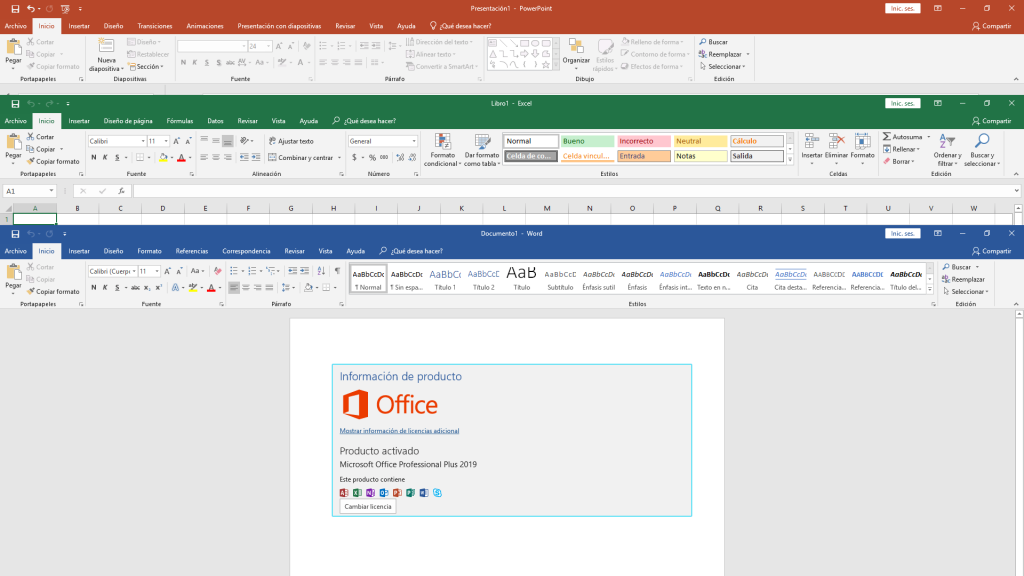
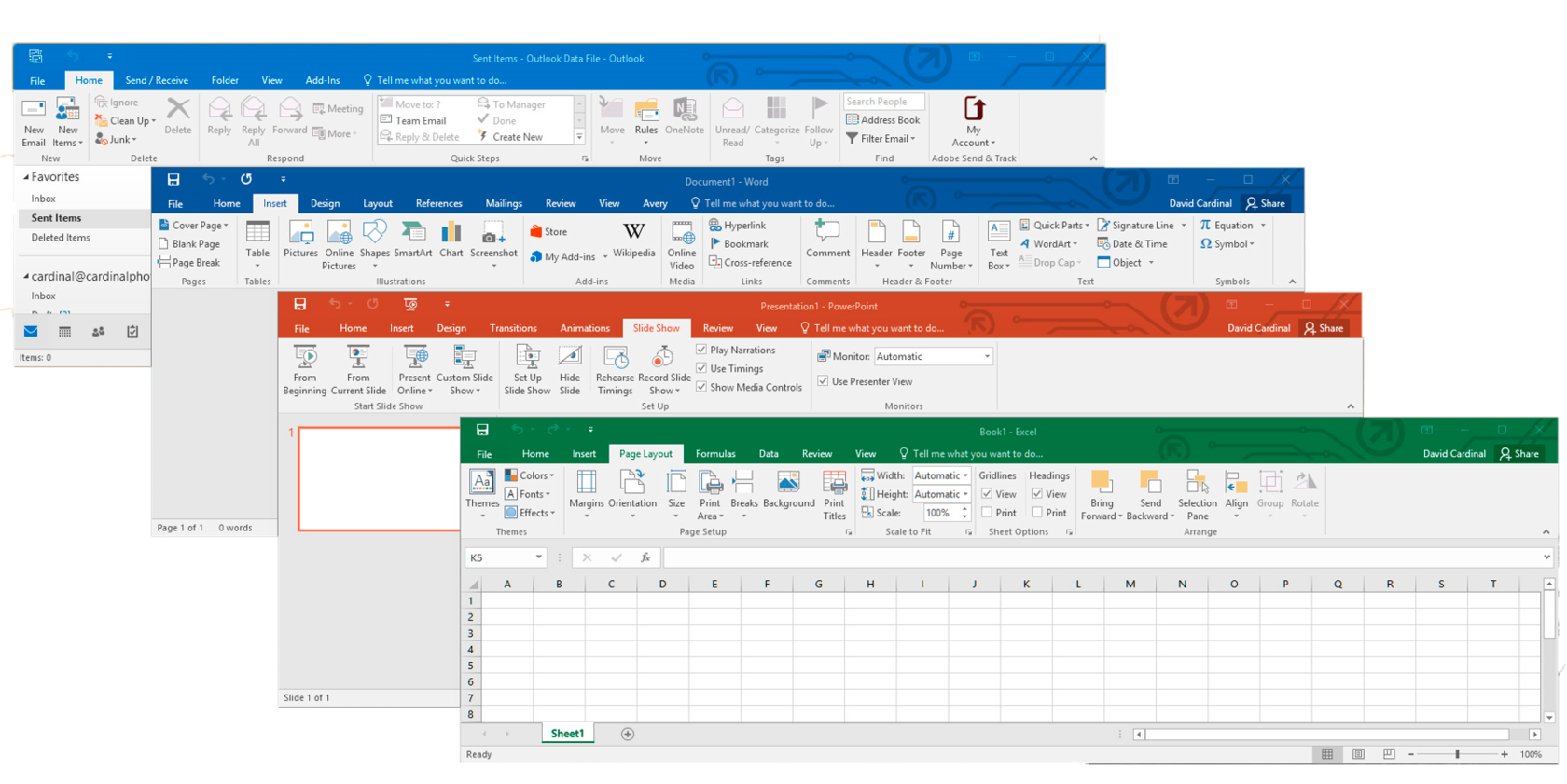
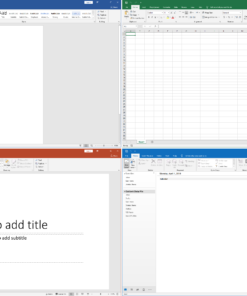
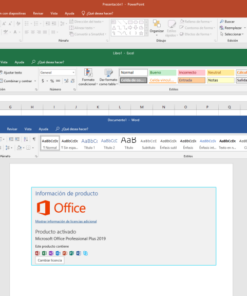
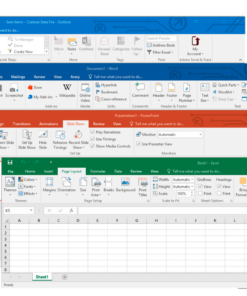
Buying an Office 2019 Professional Plus key from Windows Keys is the cheapest way to get the full Microsoft Office suite. It grants you lifetime access to Microsoft’s powerful productivity suite, featuring enhanced versions of Word, Excel, PowerPoint, Outlook, Publisher, Access, and more. This genuine product key allows seamless activation and unlocks all premium functionalities without any recurring subscription fees. Ideal for both business and personal use, Office 2019 Professional Plus ensures you stay productive, organized, and connected.
Product Features and Improvements
- Enhanced Collaboration Tools – Real-time co-authoring in Word and faster data sharing in Excel enable teams to work together more efficiently.
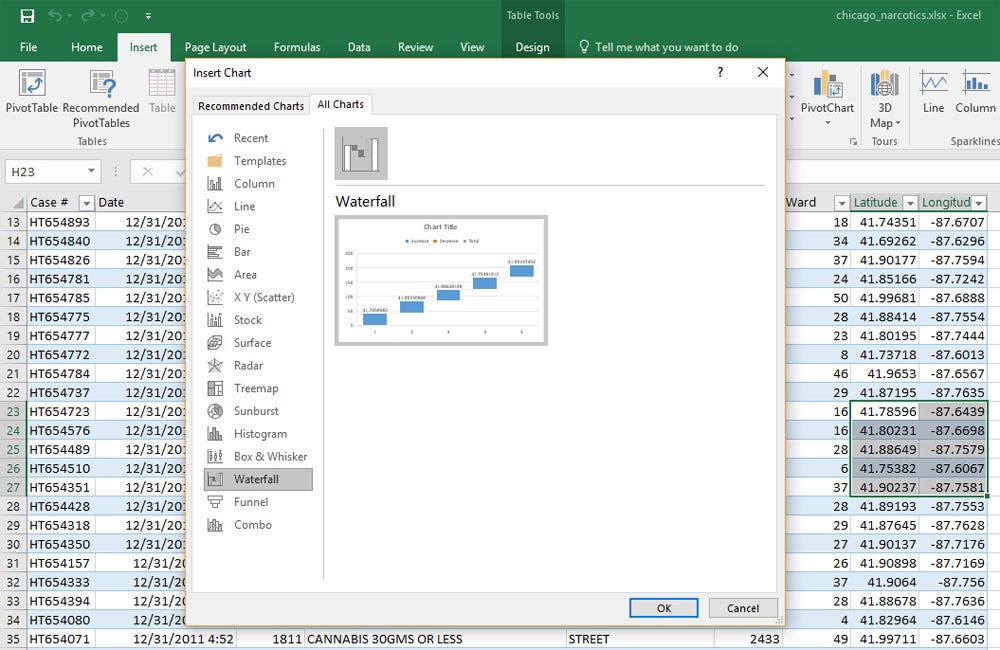
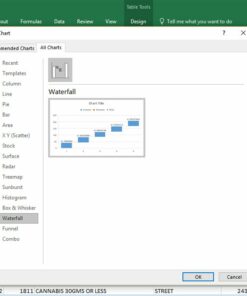
- Improved Data Analysis – Advanced functions, charts, and Power Pivot features in Excel streamline complex data management and reporting.
- Upgraded Inking Features – Use digital pen or touchscreen devices to annotate, highlight, and edit documents directly within Office apps.
- Smarter Email Management – Outlook’s updated interface helps you manage emails, calendars, and contacts more effectively.
- Professional Templates – Access a variety of pre-built templates to create polished and engaging documents, spreadsheets, and presentations quickly.
- One-Time Purchase – Office 2019 Professional Plus Key is a perpetual license, meaning you pay once and use the suite indefinitely.
By choosing Office 2019 Professional Plus, you’re empowering your workflow with robust productivity tools designed to improve efficiency and collaboration in every task.
Office 2019 vs Office 2021 vs Office 2024
Office 2019 Professional Plus is the most affordable way to get the complete desktop Office suite. Please note that Microsoft ended support for Office 2019 on 14 October 2025, so it no longer receives security updates – it continues to work and activate normally. If you want the newest features and ongoing updates, choose Office 2024 Professional Plus or Office 2021 Professional Plus. Need Office on up to five PCs? Get the Office 2019 Professional Plus 5PC key, or compare all cheap Office keys.
System Requirements
| Component | Minimum Requirement |
|---|---|
| Processor | 1.6 GHz or faster, 2-core (Intel or AMD) |
| Operating System | Windows 10 / Windows 11 |
| Memory (RAM) | 4 GB recommended for optimal performance |
| Hard Disk Space | At least 4 GB of available hard-disk space |
| Display | 1280 × 768 screen resolution or higher |
| Internet | Required for activation, updates, and online features |
Office 2019 Professional Plus Key – FAQs
-
Do I receive a digital download or a physical disc?
You will receive a digital product key and download instructions. No physical disc is provided. -
Is this key genuine?
Yes. This is an authentic Microsoft license key. It activates your Office 2019 Professional Plus without issues. -
Can I transfer the license to another PC?
Generally, this license is tied to the first device it’s activated on. However, reinstallation on the same device is allowed. -
Does it include all Office apps like Word, Excel, PowerPoint, etc.?
Absolutely. Office 2019 Professional Plus includes Word, Excel, PowerPoint, Outlook, Publisher, Access, and Skype for Business. -
Does this key work worldwide?
In most regions, yes. Please check Microsoft’s official documentation for any local restrictions. -
Is an internet connection required to use Office apps?
An internet connection is only required for initial download, activation, and occasional updates. Otherwise, Office apps function offline. -
How many installations are allowed?
This license is typically for one PC. For multiple devices, multiple licenses are required. -
Will I get updates after activating Office 2019?
Microsoft ended support for Office 2019 on 14 October 2025, so no new security updates are released. Office 2019 keeps working and activating normally. For ongoing updates, choose Office 2024 Professional Plus. -
Is it compatible with Windows 7 or Windows 8.1?
Officially, Microsoft supports Office 2019 only on Windows 10 and later. Attempting on older systems may not be fully supported. -
Is technical support included?
You’ll receive standard support from Windows Keys, as per our policy, for installation and activation queries. We are available 24/7.
How to Activate Your Office 2019 Professional Plus Key
- Complete your order – your Office 2019 Professional Plus key arrives by email straight away.
- Download Office 2019 Professional Plus from Microsoft – see our official Office ISO downloads.
- Install Office, open Word or Excel and enter your 25-character key when prompted.
- Choose Activate online (or activate by phone if online activation isn’t available).
Installation Guide
For a detailed step-by-step guide on how to download, install, and activate your Office 2019 Professional Plus Key, please refer to our INSTALLATION GUIDE. This guide walks you through the entire process, ensuring a smooth and successful installation.
Reviews (0)
Be the first to review “Office 2019 Professional Plus Key”
Related products


Reviews
There are no reviews yet.