
Windows 11 Pro Key
Original price was: £55.00.£13.99Current price is: £13.99.
Buy a genuine Windows 11 Pro key at a low price and activate Microsoft’s most advanced operating system for life.
- Genuine lifetime license – one-time payment
- Instant delivery by email
- Clean install or upgrade from Windows 11 Home
- 24/7 activation support

Description
Buy a Cheap Windows 11 Pro Key – Genuine Lifetime License
Buying a Windows 11 Pro key from Windows Keys gives you genuine, lifetime access to Microsoft’s most advanced operating system – at a fraction of the retail price. Your cheap Windows 11 Pro key is delivered instantly by email and permanently activates one PC. Packed with security enhancements, improved performance features, and a sleek user interface, Windows 11 Pro is ideal for both professional and personal use. Experience faster start-ups, improved multitasking, and expanded management tools that help streamline your workflow and productivity.
Product Features and Improvements
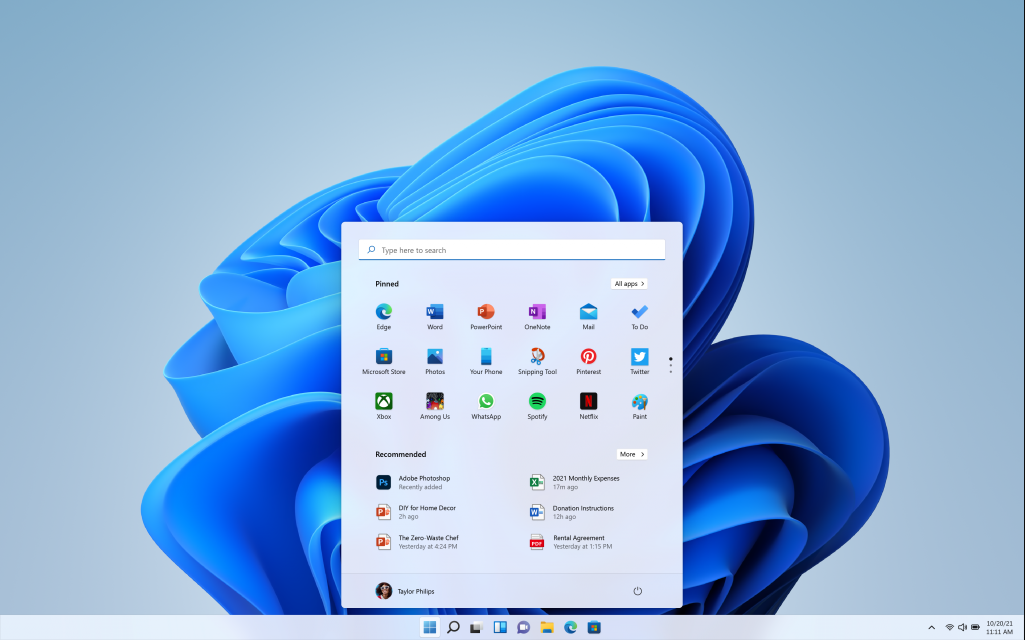
- Modern Interface & Visual Overhaul – Enjoy the centered Start menu, redesigned taskbar, and fresh icons that make navigation simpler and more intuitive.
- Enhanced Security & Privacy – Windows 11 Pro includes robust security features like BitLocker encryption, secure boot, and built-in malware protection.
- Optimized for Productivity – Snap layouts and virtual desktops enable you to work efficiently with multiple apps and tasks at once.
- Seamless Integration – Sync with Microsoft 365, OneDrive, and Microsoft Teams for a fully connected experience.
- Advanced Management Tools – Ideal for businesses, Windows 11 Pro offers Group Policy management, Azure integration, and remote desktop capabilities.
- Compatibility & Performance – Designed to run smoothly on modern hardware, providing faster boot times and efficient resource usage.
By upgrading to Windows 11 Pro, you’ll benefit from cutting-edge technology and features that help you stay secure, organized, and productive.
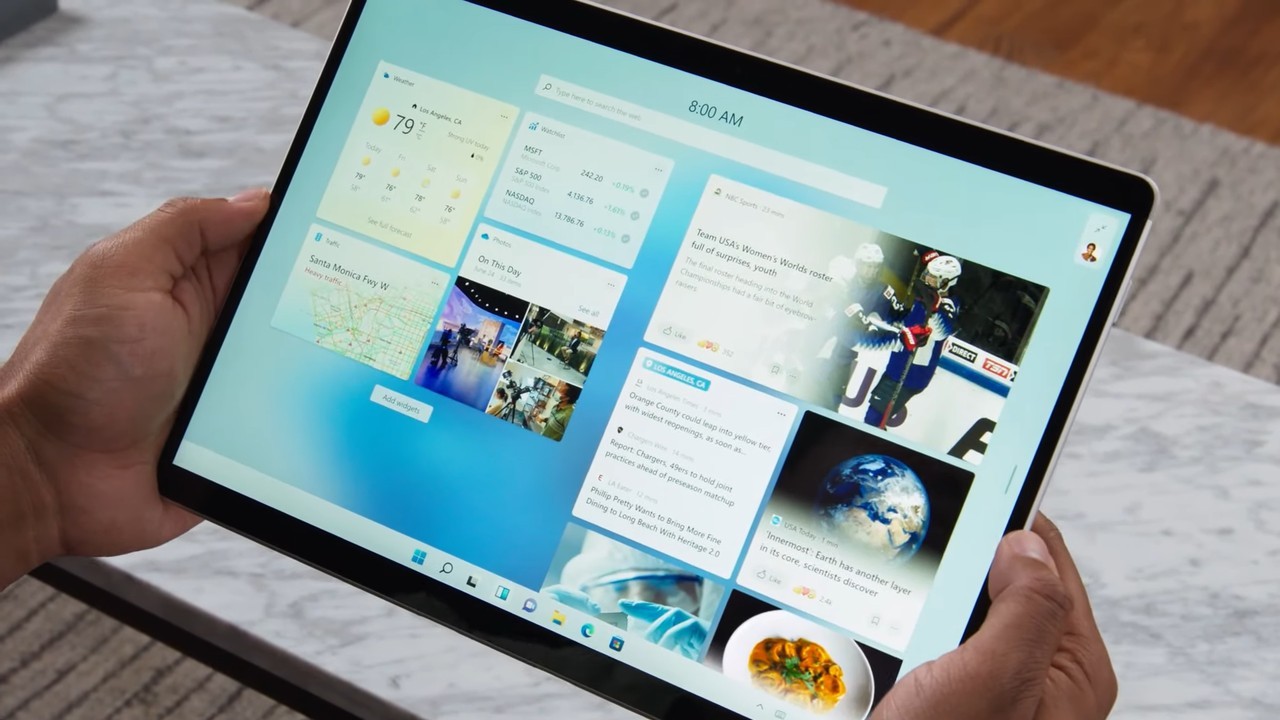
Windows 11 Pro vs Windows 11 Home
Windows 11 Pro includes everything in Windows 11 Home, plus the tools that professionals and power users need:
- BitLocker full-disk encryption to protect your data
- Remote Desktop to connect to your PC from anywhere
- Hyper-V and Windows Sandbox for virtual machines and safe testing
- Group Policy and domain / Microsoft Entra ID join for business networks
Only need Windows for everyday use and gaming? A Windows 11 Home key is the cheaper option. You can compare all Windows 11 keys here.
System Requirements
Below is an overview of the basic system requirements for Windows 11 Pro. Always check Microsoft’s official documentation for the most up-to-date and detailed requirements:
| Component | Minimum Requirement |
|---|---|
| Processor | 1 GHz or faster, 2 or more cores on a compatible 64-bit processor |
| Memory (RAM) | 4 GB or more |
| Storage | 64 GB or larger storage device |
| System Firmware | UEFI, Secure Boot capable |
| TPM (Trusted Platform Module) | Version 2.0 |
| Graphics Card | DirectX 12 compatible with WDDM 2.0 driver |
| Display | High definition (720p) display, 9″ or larger monitor, 8 bits per colour channel |
| Internet & Microsoft Account | Required for initial setup, updates, and certain features |
Windows 11 Pro Key – FAQs
-
Is this an official Windows 11 Pro product key?
Yes. This is a genuine and official license key that will permanently activate Windows 11 Pro. -
Is it a one-time purchase or a subscription?
This is a lifetime, one-time purchase. You do not need to pay any recurring fees for activation. -
Can I upgrade from Windows 10 Pro using this key?
Yes, most Windows 10 Pro devices that meet the hardware requirements can upgrade to Windows 11 Pro using this valid license. -
Can I use this license on multiple PCs?
Typically, one key activates one PC. For multiple PCs, additional keys are required. -
What if my hardware doesn’t meet Windows 11’s requirements?
Microsoft enforces strict system requirements for Windows 11. Ensure your device meets or exceeds them before purchasing. -
Will this key work worldwide?
Generally, yes. Windows 11 Pro keys are often region-free, but check local regulations for confirmation. -
Is technical support included?
You’ll receive standard support from Windows Keys, as per our policy, for installation and activation queries. We are available 24/7. -
Can I upgrade from Windows 11 Home to Pro with this key?
Yes. Open Settings → System → Activation, choose Change product key and enter your Windows 11 Pro key. Windows upgrades to Pro in a few minutes and keeps your files and apps. -
How do I download Windows 11 Pro after purchase?
After purchase, you will receive the product key along with detailed instructions for installation and activation. The download is available directly from Microsoft’s official site. -
Does Windows 11 Pro support virtualization?
Yes, Windows 11 Pro supports Hyper-V and other virtualization features for advanced deployment and testing scenarios.
How to Activate Your Windows 11 Pro Key
- Complete your order – your Windows 11 Pro key arrives by email straight away.
- On your PC, open Settings → System → Activation.
- Select Change product key, enter the 25-character key and click Next, then Activate.
- Windows activates online in a few seconds.
Installation Guide
For a detailed step-by-step guide on how to download, install, and activate your Windows 11 Pro Key, please refer to our INSTALLATION GUIDE. This comprehensive tutorial ensures a smooth, hassle-free setup, from USB creation to final activation.
Reviews (5)
5 reviews for Windows 11 Pro Key
Add a review
Related products
Windows Keys
Christian silva –
Good
Andre corbeil –
Version française ?
admin (verified owner) –
It’s multilingual Global Version. You can download any language version.
David Pokorný (verified owner) –
I ordered a Windows 11 Pro Key, and within seconds, I received it in my email. Activation was smooth and hassle-free. The live chat support was available to assist and ensure everything went perfectly. Highly recommend this site for genuine Windows 11 Pro licenses at the best price!
Jose Pablo Pinilla –
I have a WINDOWS HOME license. Is it possible to upgrade to PRO with this key?
admin (verified owner) –
Hi Jose,
Yes, you can upgrade from Windows Home to Pro using a Windows 11 license key for the Pro edition. Once you purchase the key, you just need to enter it in your activation settings and your system will upgrade without needing a full reinstall. If you need help with the process, we’ll be happy to guide you step by step.
Daniel Campbell (verified owner) –
I bought a Windows 11 Professional key recently and I’m really pleased with it. The order was straightforward, the key arrived straight away by email, and it activated without any problems. My PC is running perfectly now. The price was much better than buying from Microsoft and the service was spot on.